Upscale & Enhance Images Instantly For Free
Turn your blurry, pixelated, and old photos into high-resolution masterpieces. No login required.

500K+
Images Enhanced
16K
Max Resolution
100%
Free to Start
< 5s
Average Processing
Upload image here
Formats: JPG, PNG, WEBP, HEIC
Upscale Factor
Upgrade your plan to unlock 4×, 8× and 16× upscaling
Upload an image
Drag and drop your image here, or click to browse (Up to 16K)
Don't have images? Try one of these
Clicking a sample uses 1 credit


Online upscaler-Just a click away
Pixelve AI–AI image upscaler is a free, no-login tool that can fix blurry, low-resolution, and pixelated images into crisp, high-quality visuals. With PNG, JPG, HEIC, and WEBP as supported formats, you can enhance low-quality images to 16K resolution. Batch processing and uploading multiple images at once make this software unique and the best.
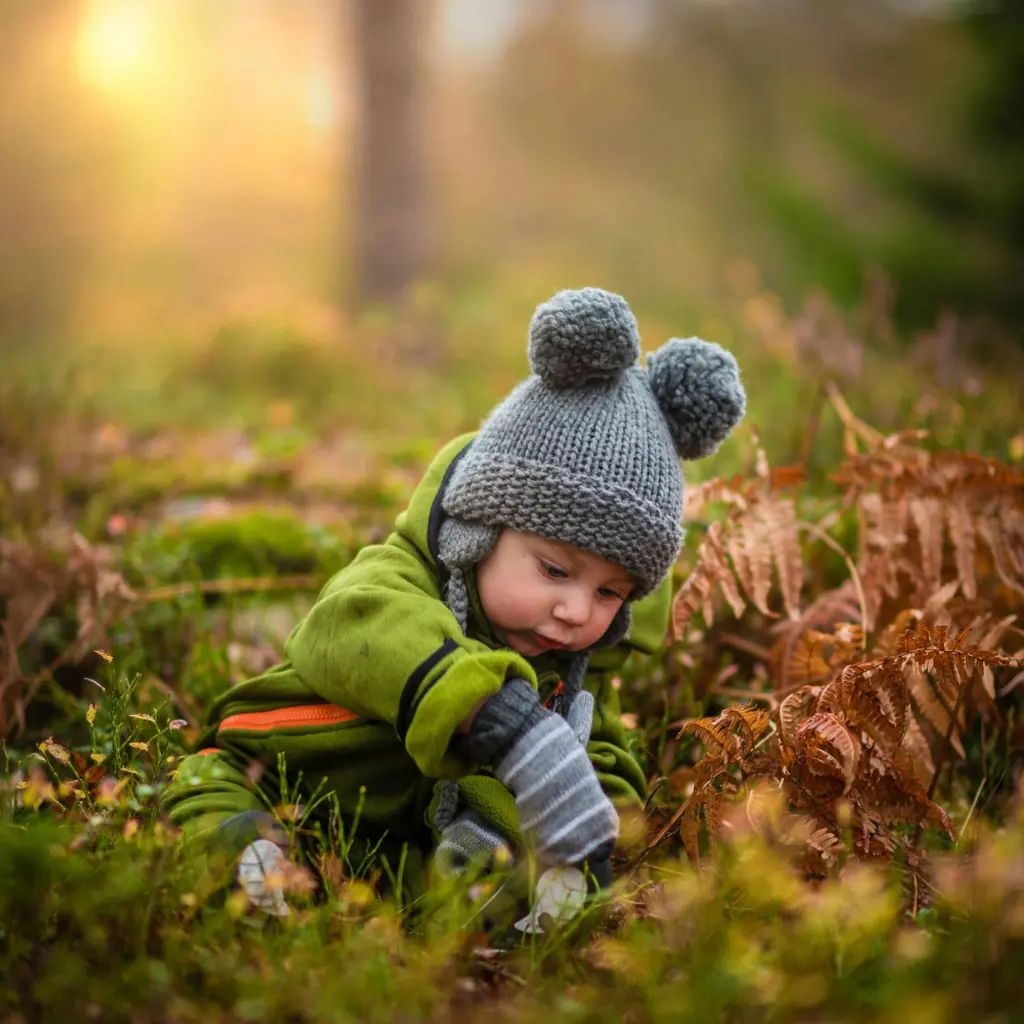
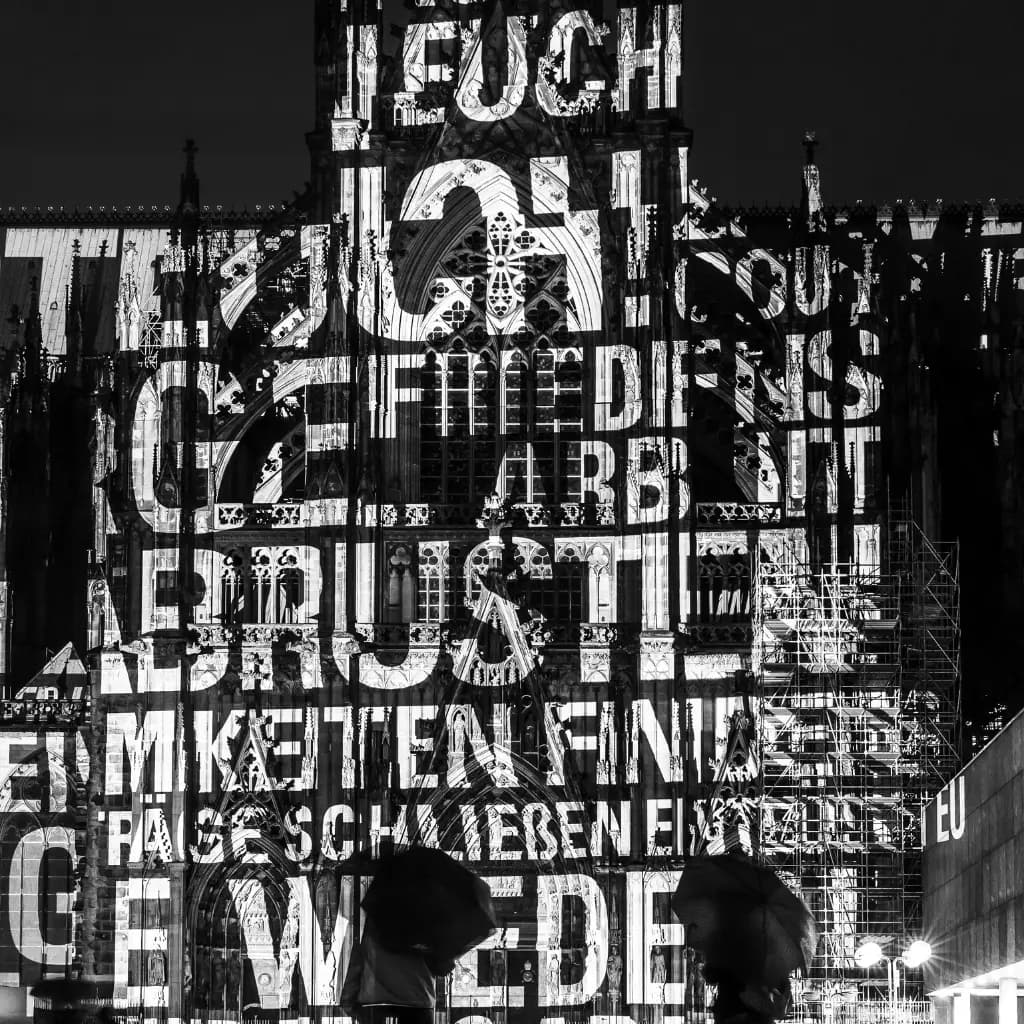
From Pixelated to High-Resolution Perfection
If your lens were unable to focus, we will. From fuzzy to sharp, out of focus to in focus, you can get 4x, 16x, 1080p, and custom resolutions as well. It can enhance text, recreate old photos into stunning photographs, upscale face textures, and make them look high resolution.
Upscaler, Enhancer, Denoiser-all in one
AI can transform your old photos into sharp ones and enhance them with precise accuracy. In 2026, the problem of low-quality images can easily be solved with an AI image upscaler, whether it's a logo, anime, cartoon, or face structure, for free, without requiring an account. Using different models, we help you give your nostalgic photos a live look.
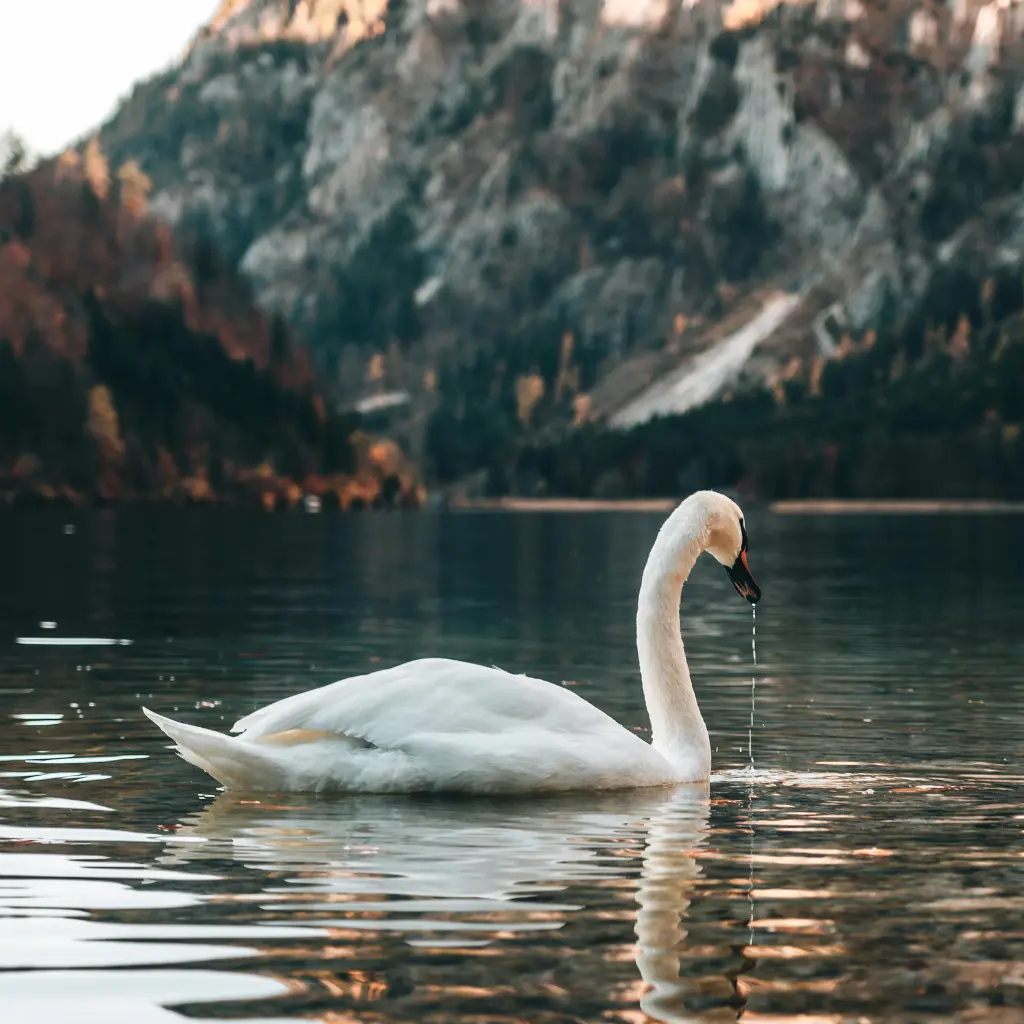
Simple Process
How does the tool work?
Upload Image
Drag the image from your PC/Laptop/mobile and upload it. You can upload JPG, PNG, WEBP, and any format you like.
AI Processing
Wait a second. Our image upscaler will do it for you to 2x resolution quickly and quietly in the background.
Download Result
Your image is ready. Now download it, print it, and share it with the world in crystal clear detail.
🌟 Don't forget to give us a review. This will help us make this even better.
Ready to restore your memories?
Upscale your first image right now for free and discover the true potential of AI enhancement.
What We Offer
Features
Everything you need to enhance your images easily and privately.
Free-no login/signup
We offer you the best image upscaler for free with no login required. By using this software, you can upload images in JPG, PNG, WebP, and other formats as well.
Custom resolutions offered
We offer a custom resolution for your image upscale, e.g. 8K, 16K, 1080p, and much more. So that blurry images should be vivid.
Batch processing
Using this AI image upscaler, you can upload multiple images at once and get high-resolution results. With a simple and easy-to-use tool, you can now enhance multiple images at once.
Natural colour preservations
When upscaling your image, we preserve your natural colors, tones, textures, and lighting so that, at high resolution, the images still look realistic.
Drag and Drop
Our Upscaler is user-friendly and foolproof. Just drag your image, and the rest of the work will be done by AI. Just take a sip, and your upscaled image is ready.
Privacy is a priority
By giving you this software, we can safely say that your photographs are not shared with any third party and are completely safe. You can build confidence and trust in us.
Who Uses It
AI Image upscaler - a tool for all
See how individuals and businesses use our AI enhancer.
Cartoon animator & Anime makers
Denoise anime characters and cartoons for a better experience. Better resolution is a key to boosting your viewership.
Social media content creator
Enhance unclear photos and faces for your social media. Denoise, enhance, and deblur the image for an Instagram look and make yourself stand out.
E-commerce and Freelancers
Make your products look clearer and more attractive with ease. Crisp and high-resolution images attract customers.
Printing banners and artists
Cannot compromise on details and quality. Make your text look more visible and readable even when magnified.
Websites/App graphic designers
Best for graphic designers wanting to give their logos, detailed images, and other pixels a treat. Pixelve AI can do for you.
Architects and real estate agents
Vibrant and enhanced photos, all for you to captivate your potential buyers. Showing hidden and unfocused details, that is all we do.
Our Advantage
WHY CHOOSE US?
No login required
Pixelve AI gives a free platform, without a login. It allows users to upscale an image for free without signing up or logging in.
Faster processing
Our upscaler has very fast processing. You can get the desired results in seconds with our fast models. They are designed for efficiency, accuracy, and speed.
Simple user interface
Pixelve AI is user-friendly and very easy to use. With the drag and drop option and a simpler structure user can use it with ease.
Privacy focused
We offer privacy as a priority. No image is saved or shared with anyone. We ensure that the cache is deleted within 24 hours.
Natural tone preservation
By upscaling the image, Upscaler does not destroy natural colors or tone. It keeps its natural look preserved.
High resolution output
With this advanced AI image upscaler, we offer a wide range of resolutions. The user can get an upscaled image in 4k,16k, and custom resolution as well.
Frequently Asked Questions
Yes, an AI image upscaler can upscale your compressed image to high resolution, making it look vivid and clear.
This upscaler is device-friendly, as you can access it on any device. So, yes, you can use it on your mobile phone as well.
We accept a wide range of formats. However JPEG works best for photographs and web use due to high compression with minimal quality loss. PNG is great for transparent backgrounds and text. Webp offers a balance between size and quality, suitable for web display.
No, you just have to upload images, and they will be upscaled.
Yes, this is free to use, but with limited credits. After this, you have to wait until the limit resets or you have to buy a plan.
Yes, but only if you have a paid plan. In the free plan, this feature is not available.