Upscale Image Online
& Denoise for Free
Upscale Factor
Upgrade your plan to unlock 4×, 8× and 16× upscaling
Upload an image
Drag and drop your image here, or click to browse (Up to 16K)
Don't have images? Try one of these
Clicking a sample uses 1 credit
Improving the quality of an image and removing noise no longer requires complex software. Pixelve AI allows you to upscale your image online for free in seconds. Upscaling images to 4K, 8K, or 16K now requires only a single online tool — Pixelve AI.
With batch processing, multiple images can be uploaded and enhanced at once. Whether your image is a cartoon, anime, face, or product, you can easily convert a blurry, low-resolution photo into a high-quality one. Try our blur fixer or restore old photos too.
Before vs After
See how Pixelve AI transforms pixelated images into crystal-clear results.
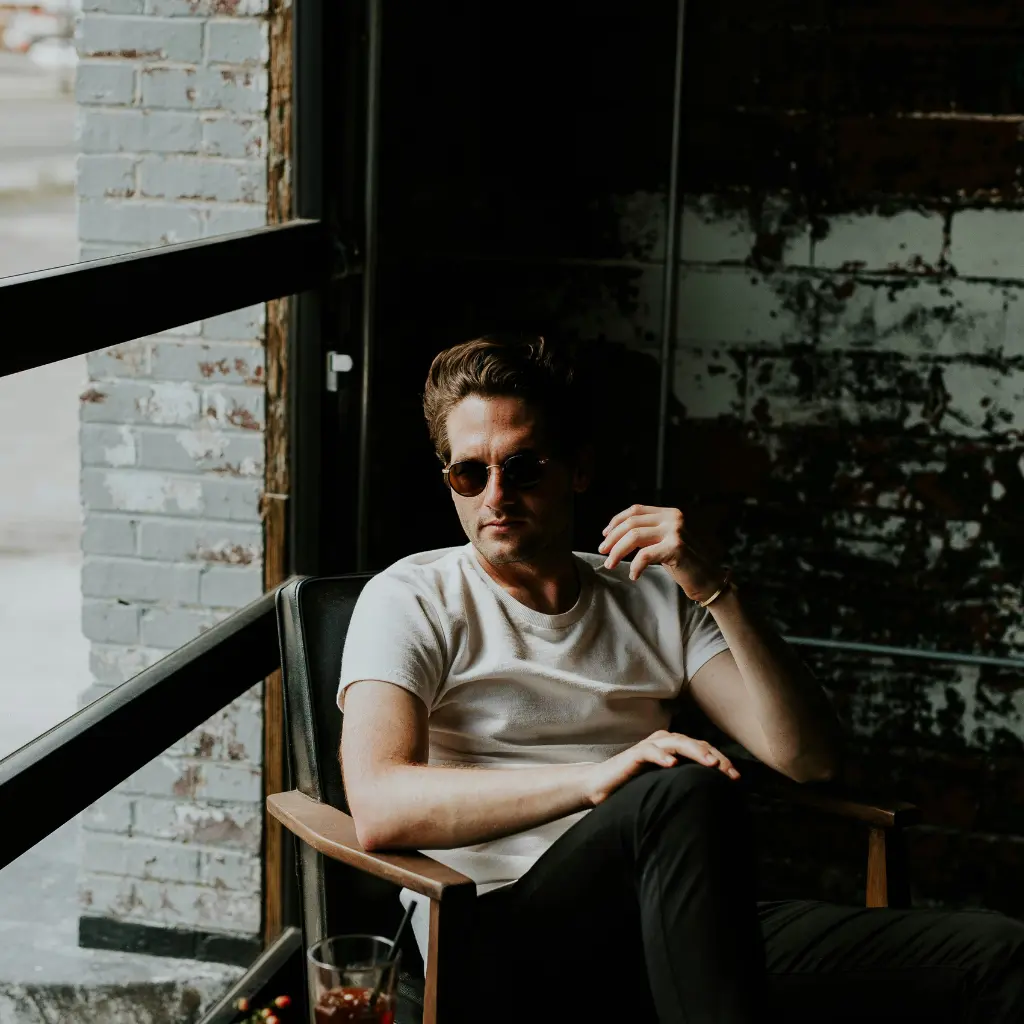
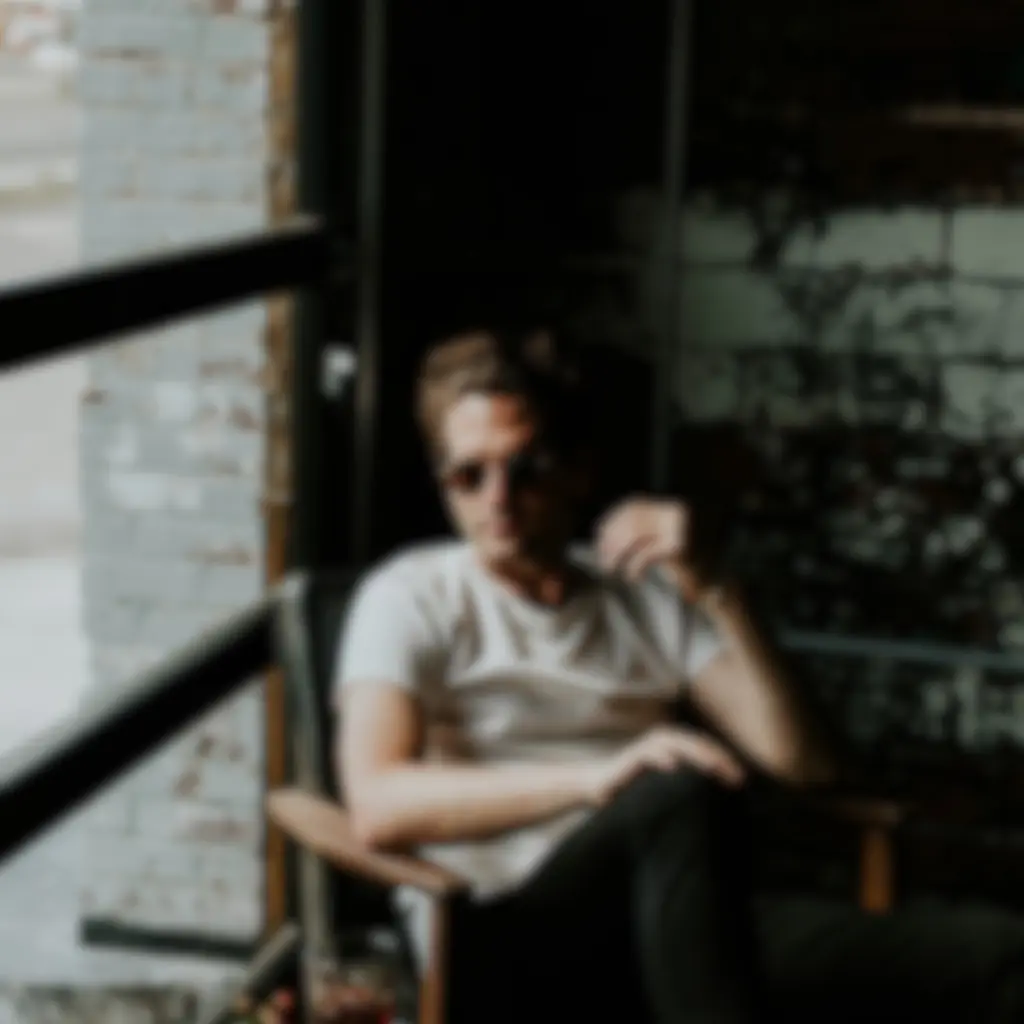
🧠Why Does an Image Need Enhancement?
Images may lose quality due to:
- Low-resolution camera
- Motion blur
- Pixel drop during uploading
- Noise and distortion
Pixelve AI is designed to solve these problems automatically.
⚡How Does AI Enhancement Work?
AI-trained models are designed to:
- 1 Restore lost texture
- 2 Enhance color and tone
- 3 Improve clarity and edges
- 4 Sharpen details
- 5 Adjust brightness and tones
🌟 Benefits
🧩 Where Can You Use It?
⚙️ Features
- ✔️ AI-powered image denoiser
- ✔️ Fast processing
- ✔️ Supports JPG, PNG, WEBP formats
- ✔️ Works directly in browser
- ✔️ Upscale images online
- ✔️ Beginner-friendly interface
⚡ How to Use Pixelve AI?
Upload
Upload your low-quality image
Process
The AI enhancer processes and improves it
Download
Download your upscaled image
Explore More Tools
Frequently Asked Questions
Enhancement improves color, clarity, and tone, while upscaling increases resolution.
Yes, Pixelve AI supports batch processing.
Yes, you can access it online without any installation.
No, the natural tone remains preserved.
We support all major formats including JPG, PNG, WEBP, and HEIC files.