Restore Old Photos
Bring Back Memories
Upscale Factor
Upgrade your plan to unlock 4×, 8× and 16× upscaling
Upload an image
Drag and drop your image here, or click to browse (Up to 16K)
Don't have images? Try one of these
Clicking a sample uses 1 credit
Old photos may fade, blur, become scratched, or lose color over time. But lost details do not make them less valuable.
Pixelve AI not only upscales and enhances old photos but also brings memories back to life. Now you can sharpen your blurred images using this AI image upscaler for free and give your nostalgic photos a live look. Start your journey today.
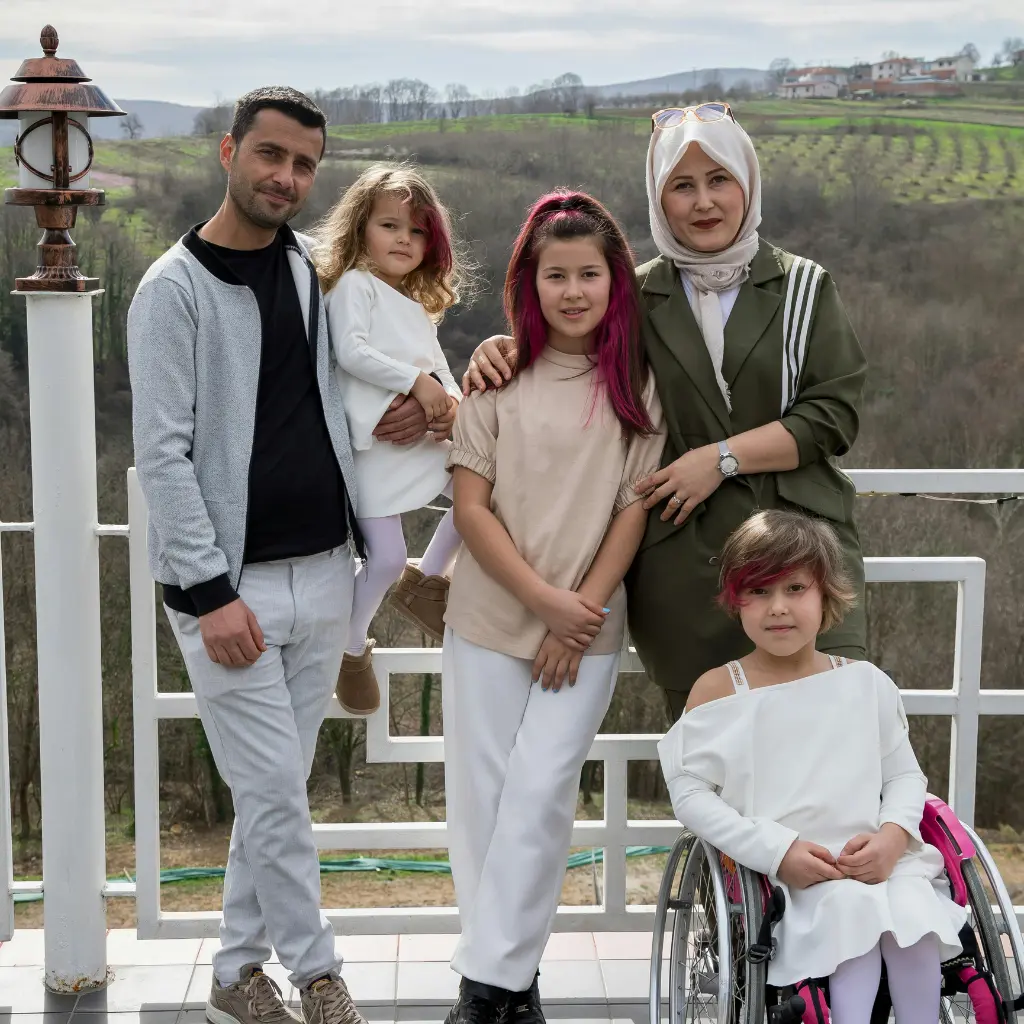
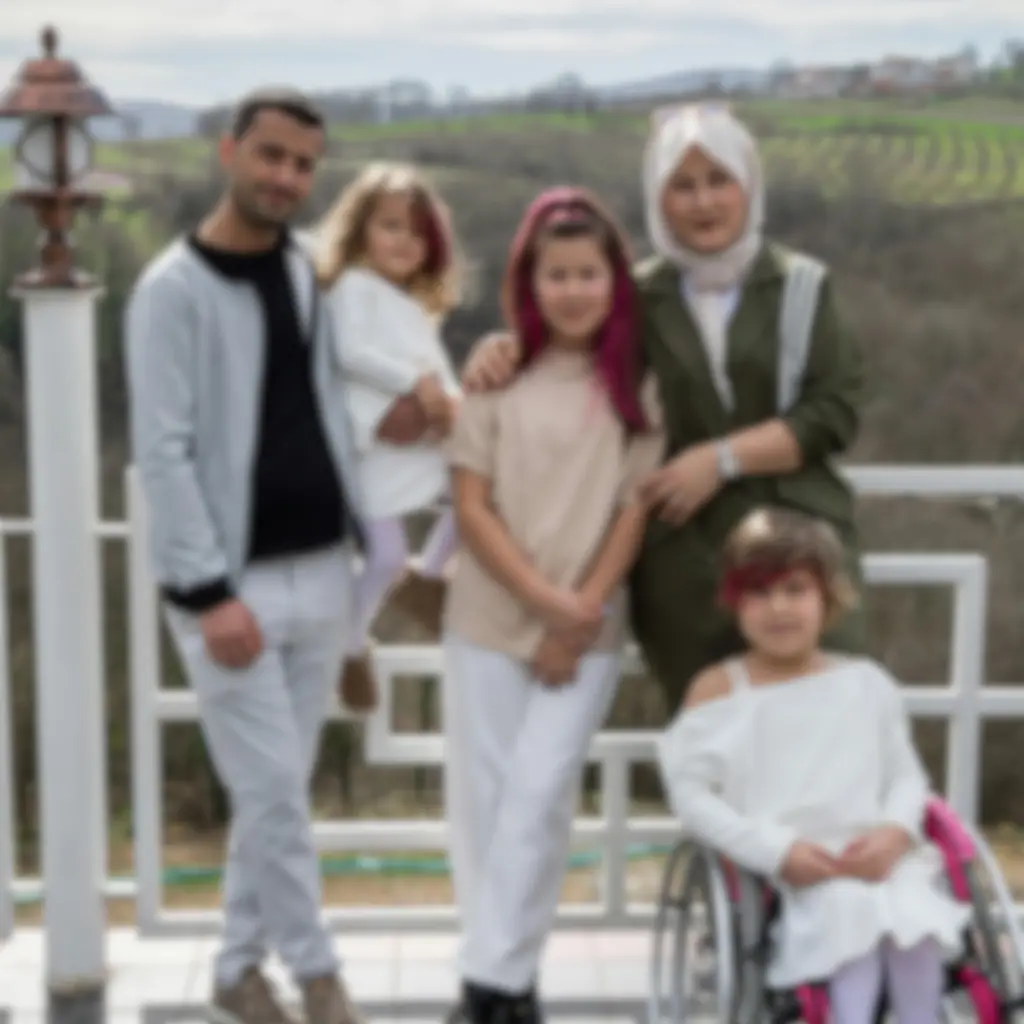
Before vs After
See how Pixelve AI restores faded, damaged photos back to life.
🧠Why Do Old Photos Get Damaged?
Over time, old photos get damaged due to:
- Fading of color
- Physical scratches
- Dirt or stains due to carelessness
- Low-resolution camera output
- Scanning and uploading
Pixelve AI is designed to solve these problems automatically.
⚡How Are Old Photos Restored by AI?
Our AI restoration engine works by:
- 1 Restoring natural tones and colors
- 2 Color enhancement
- 3 Improving brightness and contrast
- 4 Reconstruction of lost details
- 5 Reducing noise and grain
🌟 Benefits
🧩 Where Can You Use It?
⚙️ Features
- ✔️ Supports a wide range of formats (PNG, JPG, WEBP)
- ✔️ No editing skills required
- ✔️ AI-powered upscaler
- ✔️ Works in browser
⚡ How to Use Pixelve AI?
Upload
Upload your low-quality image
Enhance
The AI enhancer will enhance the image
Download
Download the upscaled image
Frequently Asked Questions
Yes, AI can restore, denoise, and enhance old low-quality images.
No, Pixelve AI works directly in the browser.
Your picture will look natural but upscaled and enhanced.
Yes, you can upload family photos as well.
Most old photos are intelligently restored and upscaled within 5-10 seconds of uploading.