AI Image Enhancer
Free – No Login Required
Upscale Factor
Upgrade your plan to unlock 4×, 8× and 16× upscaling
Upload an image
Drag and drop your image here, or click to browse (Up to 16K)
Don't have images? Try one of these
Clicking a sample uses 1 credit
Image upscaling does not require any complex software. Now you can enhance your blurred images using Pixelve AI for free, with no login required. Pixelve AI is advanced software that can improve clarity, sharpness, and the overall quality of an image.
This AI photo enhancer can transform your low-detail, blurred photos into crisp, enhanced images — all without a login. Try our image upscaler or fix blurry images instantly.
Before vs After
See how Pixelve AI enhances image quality — sharper details, better colors, zero effort.
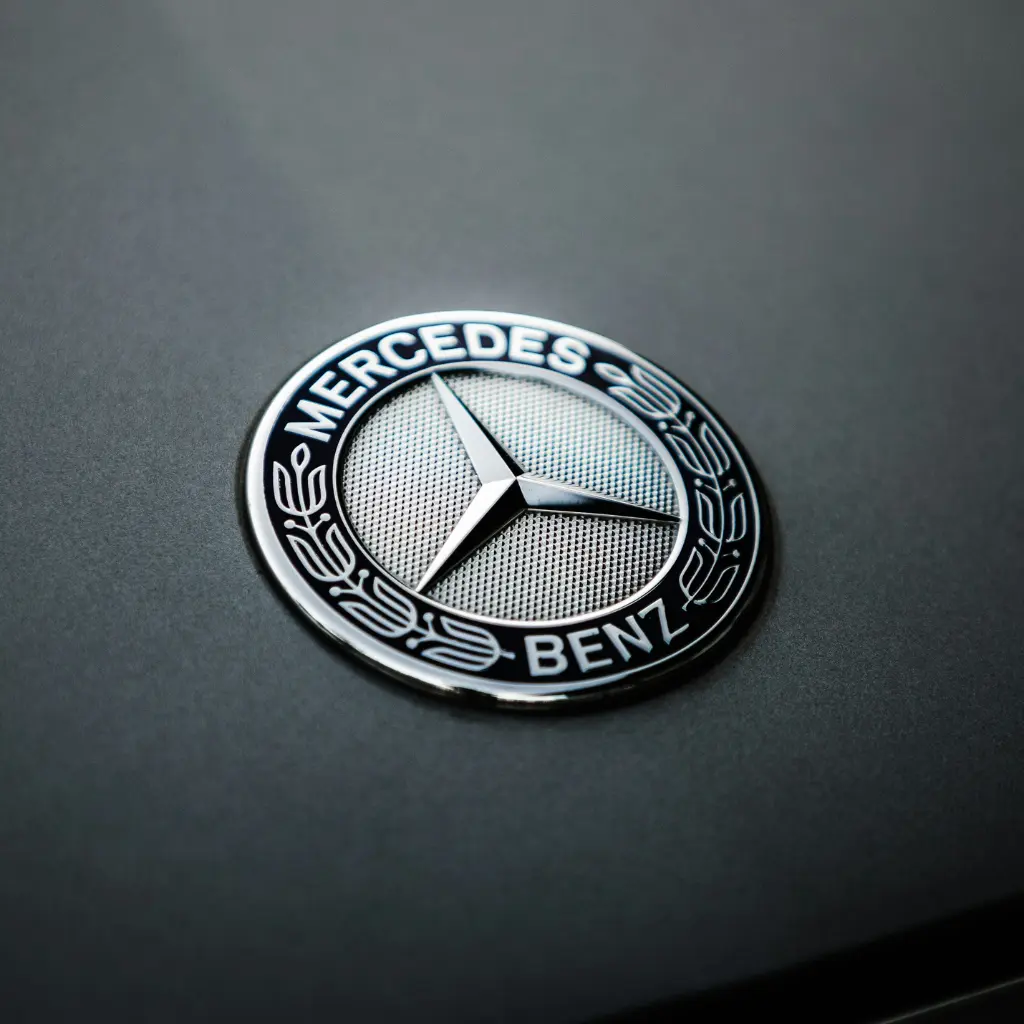
🧠Why Do Images Get Pixelated?
Images can lose quality due to:
- Compression during upload and download
- Zooming beyond capacity
- Low-resolution camera
- Motion blur
- Poor lighting and environment
Pixelve AI detects and fixes these issues automatically.
⚡How Does Pixelve AI Photo Upscaler Work?
An AI photo upscaler is trained to:
- 1 Enhance colors and tones
- 2 Improve edges and clarity
- 3 Denoise and remove distortion
- 4 Fix blur and restore details
- 5 Upscale unclear images
By doing all this, Pixelve AI ensures that the natural tone is not compromised.
🌟 Benefits of Using Pixelve AI
🧩 Where Can It Be Used?
⚙️ Features
- ✔️ Supports multiple formats
- ✔️ Instant results
- ✔️ Bulk processing
- ✔️ AI image enhancement
- ✔️ User-friendly
- ✔️ No installation required
- ✔️ Free to use
⚡ How to Use Pixelve AI?
Upload
Upload your low-quality image
Enhance
The AI enhancer will enhance the image
Download
Download the upscaled image
Frequently Asked Questions
No, it provides some free credits. After that, you need to buy a plan.
In the free version, yes. In paid plans, the watermark is not included.
You can upload your image in WEBP, PNG, or JPG.
No, you can use the basic features without any login or signup.
Most images are processed within seconds, depending on the file size and upscale level.